
Tile visualiser
See our tiles in a room before you choose
Choose a room, pick a tile, then change the size, layout and grout colour. Every preview uses a photo of the real tile, laid to scale across the floor with the room's own light and shadow.
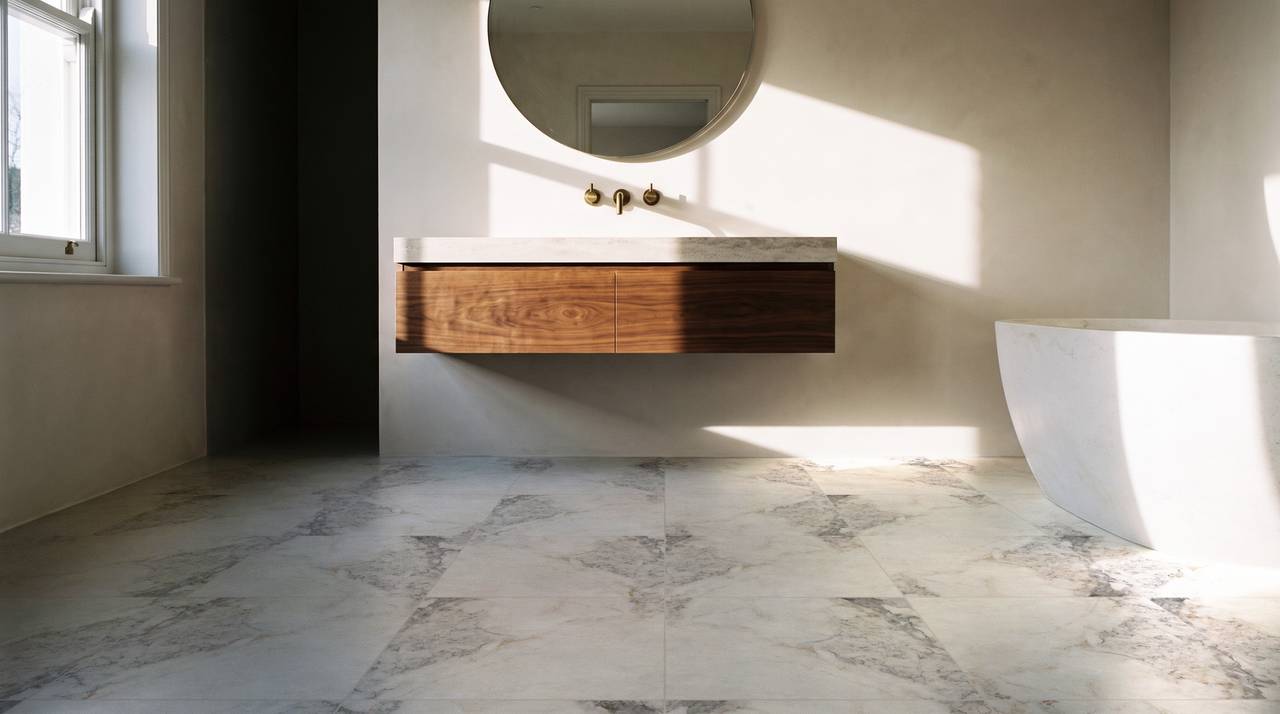
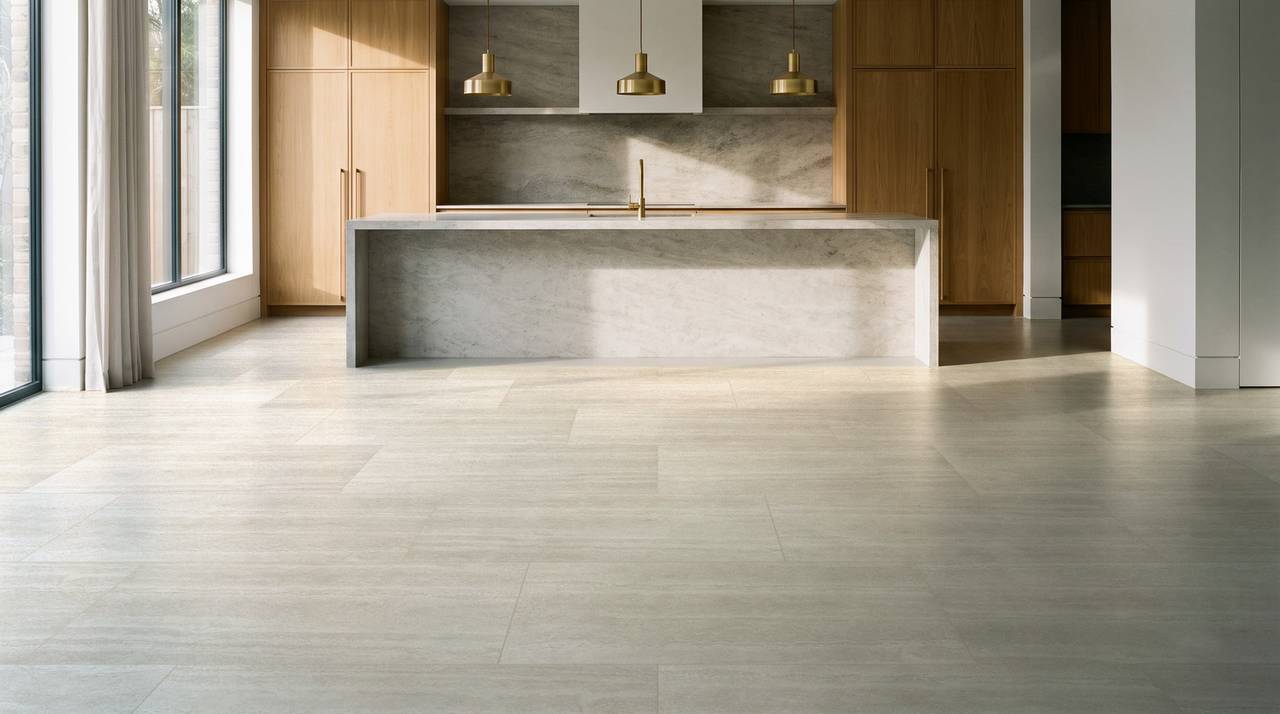
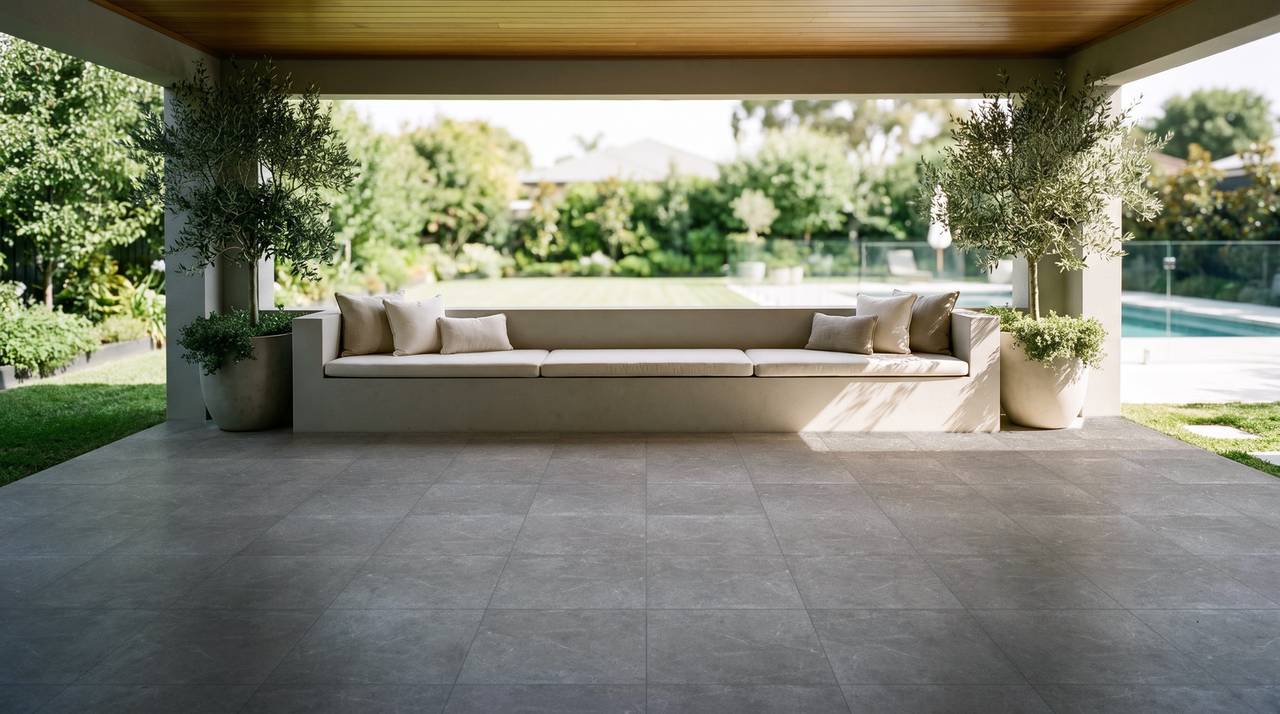
BT Brazil Calcutta · 600 x 600 · StackedBT Travertine Vein Cut · 600 x 1200 · Third offsetBT Extra · 600 x 600 · Stacked
Visualisations are a guide only. Colour, veining and finish vary between screens and production batches, so we recommend seeing your shortlist in the Bonnyrigg showroom before you order.



How it works
From a first look to a firm enquiry
Choose a room
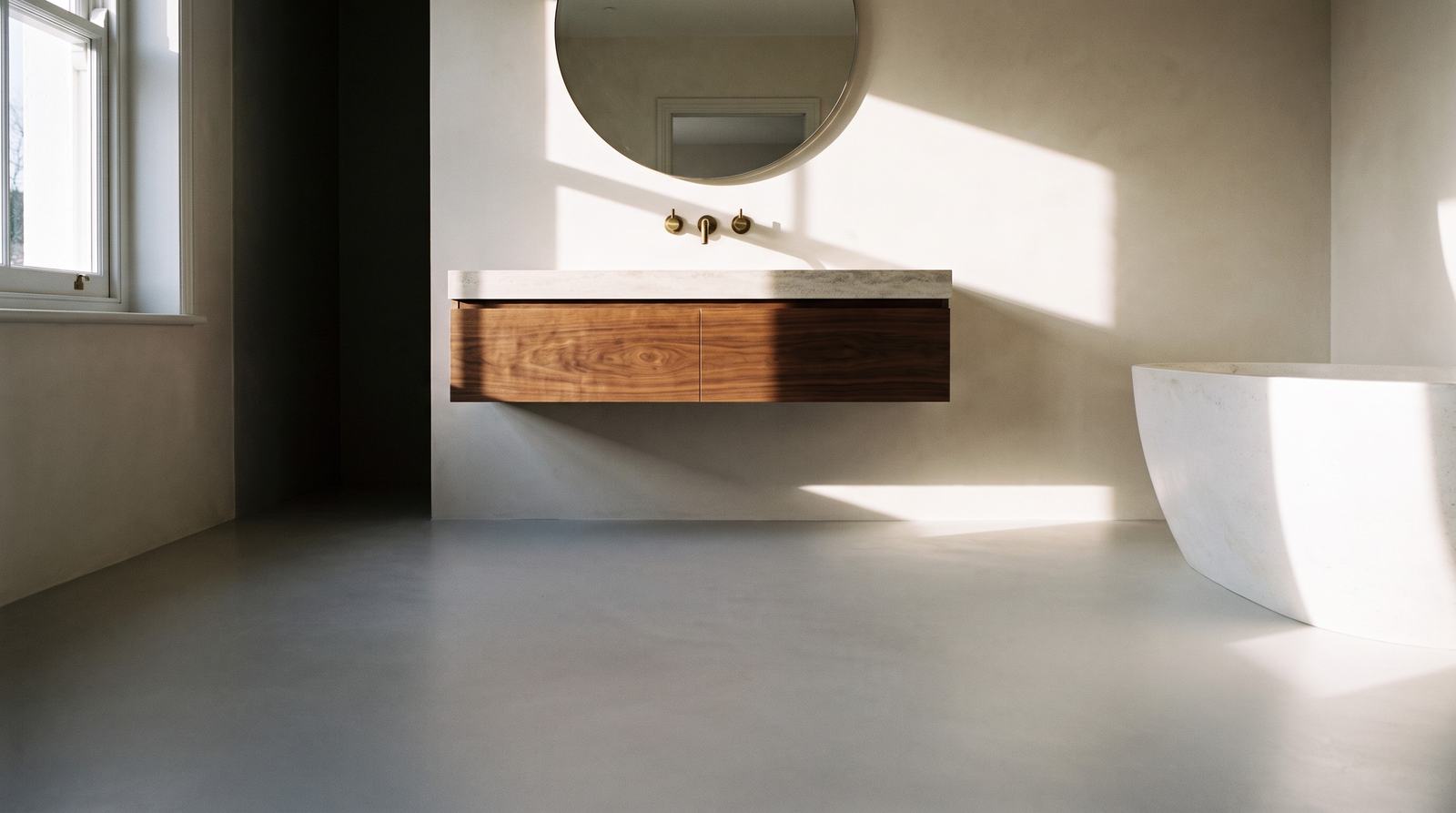
Start with the bathroom, kitchen or alfresco scene that is closest to your own project.
Lay your tile
Pick a tile, then try different sizes, layouts and grout colours until the floor feels right.
Add it to your enquiry
Send the look to your enquiry cart and our team will confirm availability and final pricing.
Three rooms
Rooms you can try: bathroom, kitchen and alfresco
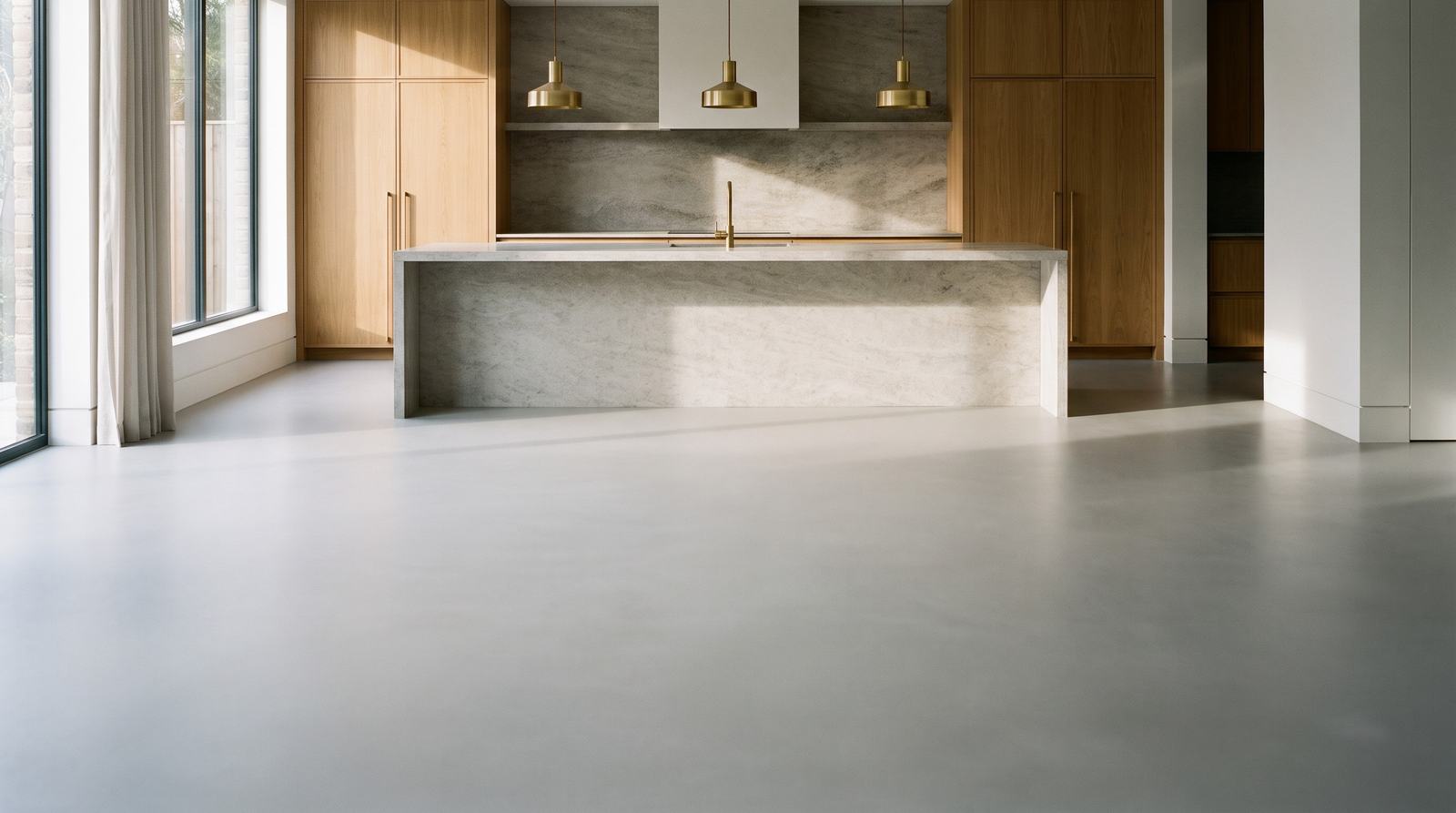
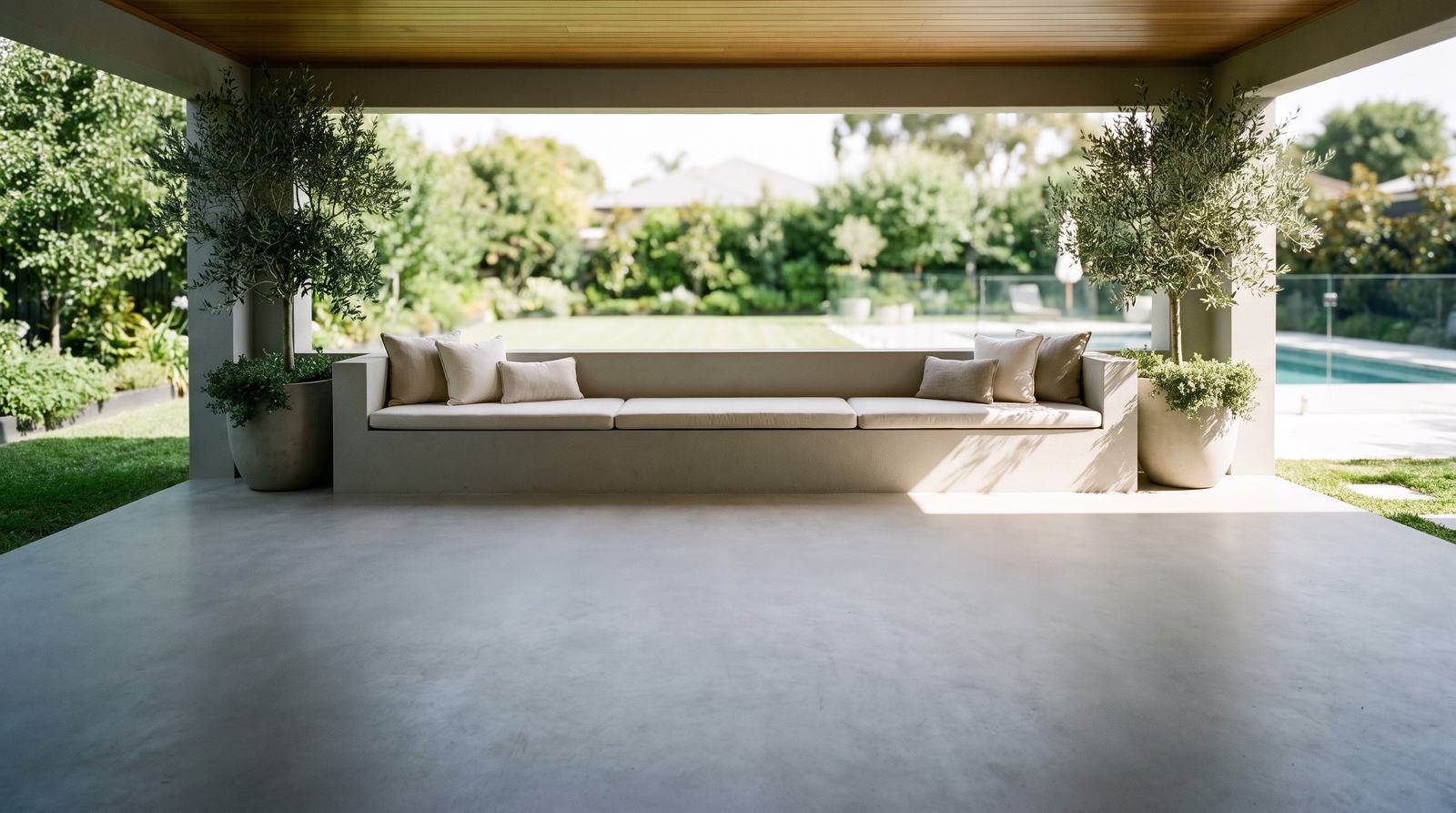
The tile visualiser has three rooms: a bathroom, a kitchen and an alfresco. Pick the one closest to your own project and the tile is laid to scale across the floor, using a photo of the real tile with the room's own light and shadow.
Start with a marble look such as our calacatta and statuario looks, or try the warmer travertine and limestone looks. The bathroom scene works as a bathroom tile visualiser for floor tiles, and the alfresco scene shows the tiles listed as suitable outdoors. Every tile comes from the tile collection.
Visualisations are a guide only, because screens show colour differently. Shortlist here, then get directions to the showroom to see the tiles in person.
Good to know
Tile visualiser questions
How does the tile visualiser work?
Choose a room, pick a tile, then change the size, layout and grout colour. Every preview uses a photo of the real tile, laid to scale across the floor with the room's own light and shadow. When the floor looks right, add the look to your enquiry.
Can I change the grout colour and layout?
Yes. You can lay the tile stacked, half offset or third offset, turn rectangular tiles across or along the room, and switch between grout colours including Bright White, Light Grey and Charcoal. The floor updates as you choose.
Does the visualiser show real Bonnyrigg tiles?
Yes. The visualiser uses photos of tiles from our own range, including the BT Specials we import ourselves. Visualisations are a guide only, because screens show colour differently, so see your shortlist in the showroom before you order.
Can I save or send the look I create?
You can send it. Add the look to your enquiry cart and it goes to our showroom team with the tile, size, layout and grout colour you chose. The team then confirms availability and final pricing with you.